On this page
⚡ TL;DR
Making a Facebook ad has two halves: setting up the campaign in Meta Ads Manager, and creating the ad creative that people actually see.
The setup path: business account, Facebook Page, ad account with payment, then a campaign built from three layers (campaign, ad set, ad).
Choose one objective, define a specific audience, set a budget you are comfortable with, and lead with a creative that hooks in the first second.
The creative is where most ads win or lose. AI design tools let you generate scroll-stopping ad visuals from a text description.
Facebook still reaches billions of people, which makes it one of the most powerful places to advertise a business of any size. But the first time you open Meta Ads Manager, it can feel like a cockpit with too many buttons. Where do you even start?
This guide breaks down how to make a Facebook ad from scratch in 2026, step by step. You will set up the accounts you need, build the campaign, target the right people, and create an ad that earns clicks, even if you have never run one before.
What You Need Before You Start
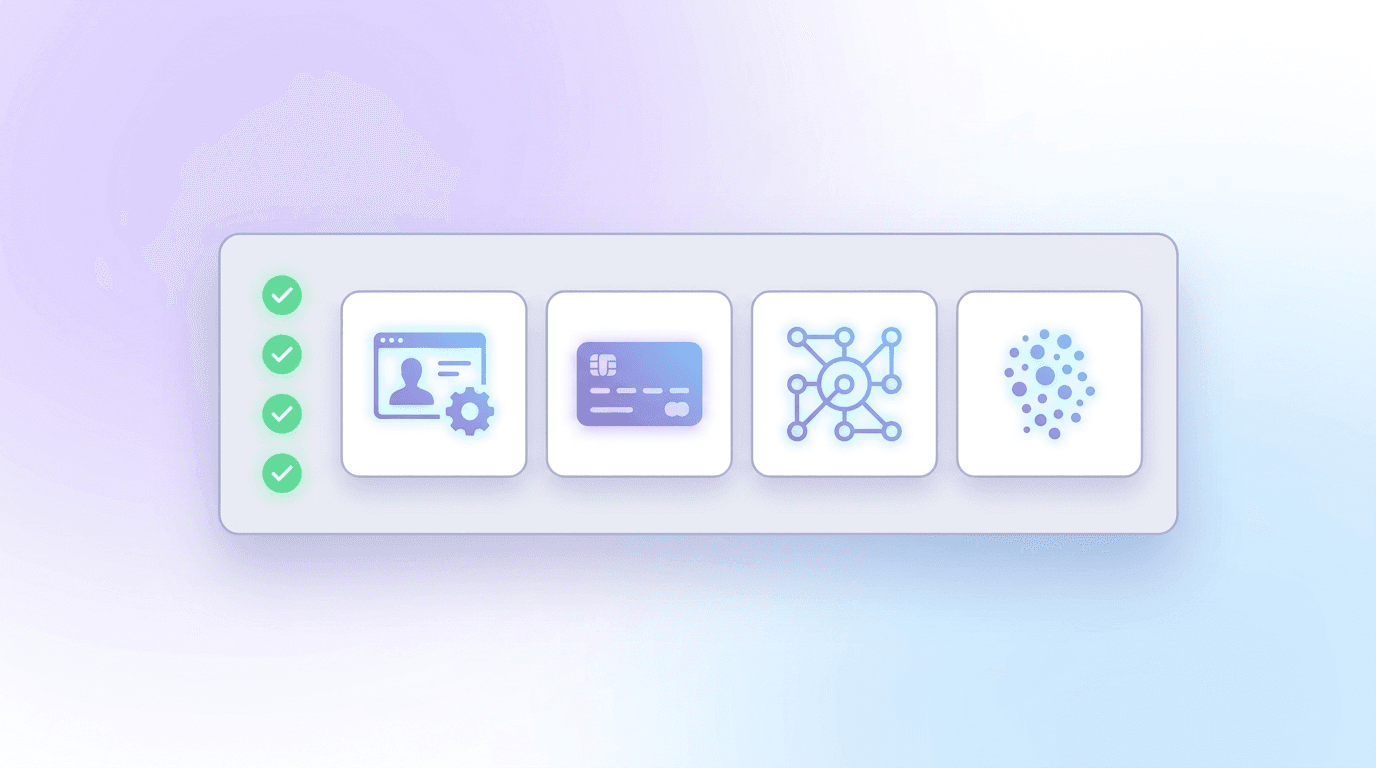
Before you can run a single ad, you need three things in place. Setting these up once takes about 15 minutes.
- A Meta Business account. Go to business.facebook.com and create one with your business name and email. This is the hub for everything.
- A Facebook Page. You cannot advertise without a Page representing your business. Create one or connect an existing one.
- An ad account with payment. Inside Business settings, set up an ad account and add a payment method so your ads can run.
Optionally, install the Meta Pixel, a small snippet of code on your website that tracks what visitors do after clicking your ad. It is not required to launch, but it makes measuring results and retargeting far more effective later.
How the Facebook Ad Structure Works

Every Facebook ad campaign is built in three layers. Understanding this hierarchy makes the whole process click.
| Level | What you set here |
|---|---|
| Campaign | Your main objective (what you want the ad to achieve) |
| Ad Set | Your audience, placements, budget, and schedule |
| Ad | The actual creative: images or video, copy, and call to action |
One campaign can hold several ad sets, and each ad set can hold several ads. This structure lets you test different audiences and creatives without starting over each time.
How to Make a Facebook Ad: Step by Step
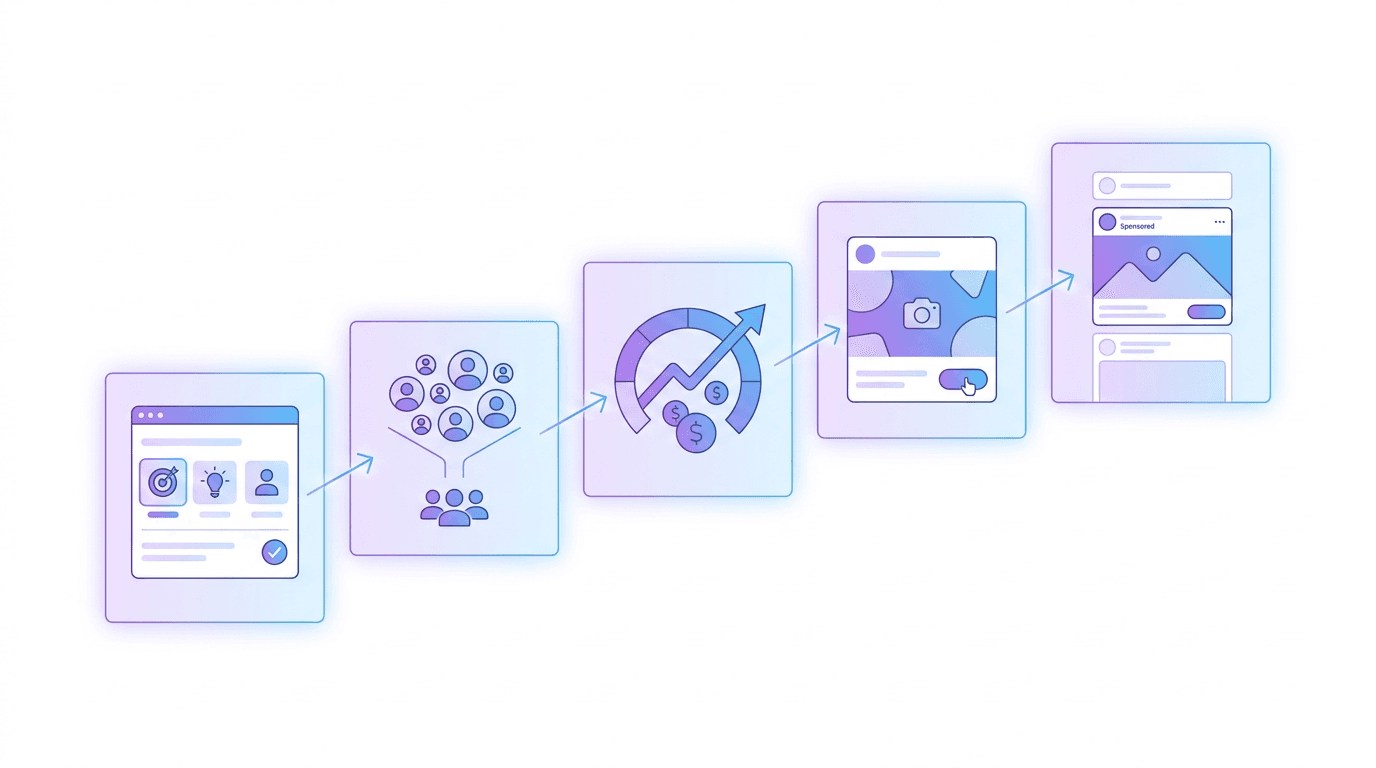
With your accounts ready, here is the full process inside Meta Ads Manager.
Step 1: Choose Your Campaign Objective
Click Create in Ads Manager and pick the objective that matches your goal. Meta groups them into outcomes like:
- Awareness: reach the most people and build brand recognition.
- Traffic: send people to your website, landing page, or app.
- Engagement: get more likes, comments, messages, or video views.
- Leads: collect contact details through forms.
- Sales: drive purchases online or in store.
Be honest about what you actually want. If your goal is signups, choose Leads or Sales, not Awareness. The objective tells Meta's algorithm who to show your ad to.
Step 2: Define Your Target Audience
This is one of the most important steps, and where many budgets are wasted. At the ad set level, define who sees your ad using:
- Location, age, and gender to set the basic parameters.
- Detailed targeting based on interests, behaviors, and demographics.
- Custom audiences built from your customer list or website visitors (this needs the Pixel).
- Lookalike audiences that find new people similar to your best customers.
Start specific rather than broad. A tightly defined audience that genuinely wants your product almost always outperforms a giant, vague one.
Step 3: Set Your Placements
Placements are where your ad appears: Facebook Feed, Instagram, Stories, Reels, Marketplace, and more. If you are new, Advantage+ placements let Meta automatically put your ad where it is likely to perform best. As you learn what works, you can switch to manual placements for tighter control.
Step 4: Set Your Budget and Schedule
Facebook ads work on a flexible budget, so you only spend what you choose. You can set a daily budget (the average you spend per day) or a lifetime budget (a total across the campaign's run). Start small to test, and increase spend on the ads that prove they work. Set a start and end date, or let it run continuously.
Step 5: Create Your Ad Creative
This is the part people actually see, and it decides whether your budget pays off. A strong ad creative has:
- A scroll-stopping visual. One clear focal point, bright and native to the feed, not an obvious stock photo.
- A benefit-led message. Make the offer or value obvious within the first second.
- Readable text. Most people scroll on mobile with sound off, so on-screen text and captions matter.
- A clear call to action. "Shop Now," "Sign Up," "Learn More." Tell people exactly what to do.
Creating fresh creative is the real bottleneck, because platforms reward testing many variations. This is where AI design tools change the math. With a chat-based tool like Krumzi, you describe the ad ("a 1:1 Facebook ad for a project management app, bold and clean, with a 20% off hook") and the AI generates a complete, editable creative in under a minute, so you can produce a dozen on-brand variations fast. For a deeper look at the category, see our roundup of the best AI ad generators in 2026, and for the design fundamentals, our guide on how to create social media graphics with AI.
Step 6: Write Your Ad Copy
Your copy supports the visual. Keep the primary text short and lead with the benefit or a question. Add a punchy headline, and match the tone to your audience. You do not need to be clever, you need to be clear about what you offer and why it matters.
Step 7: Review and Publish
Before you hit publish, preview the ad across placements to make sure it looks right on feed, Stories, and Reels. Check that links work, the budget is correct, and the call to action matches your goal. Then publish. Meta will review the ad (usually within a few hours) before it goes live.
After You Launch: Measure and Improve

Publishing is the start, not the finish. Give the ad a few days to exit the learning phase, then check the metrics that map to your objective: click-through rate, cost per result, and conversions. Pause what is not working, and put more budget behind what is. The length of your video creative matters too, so see our guide on how long a video ad should be by platform. And if you are also building an organic presence, our 8-step playbook for growing a Facebook Page pairs well with paid.
Common Facebook Ad Mistakes to Avoid
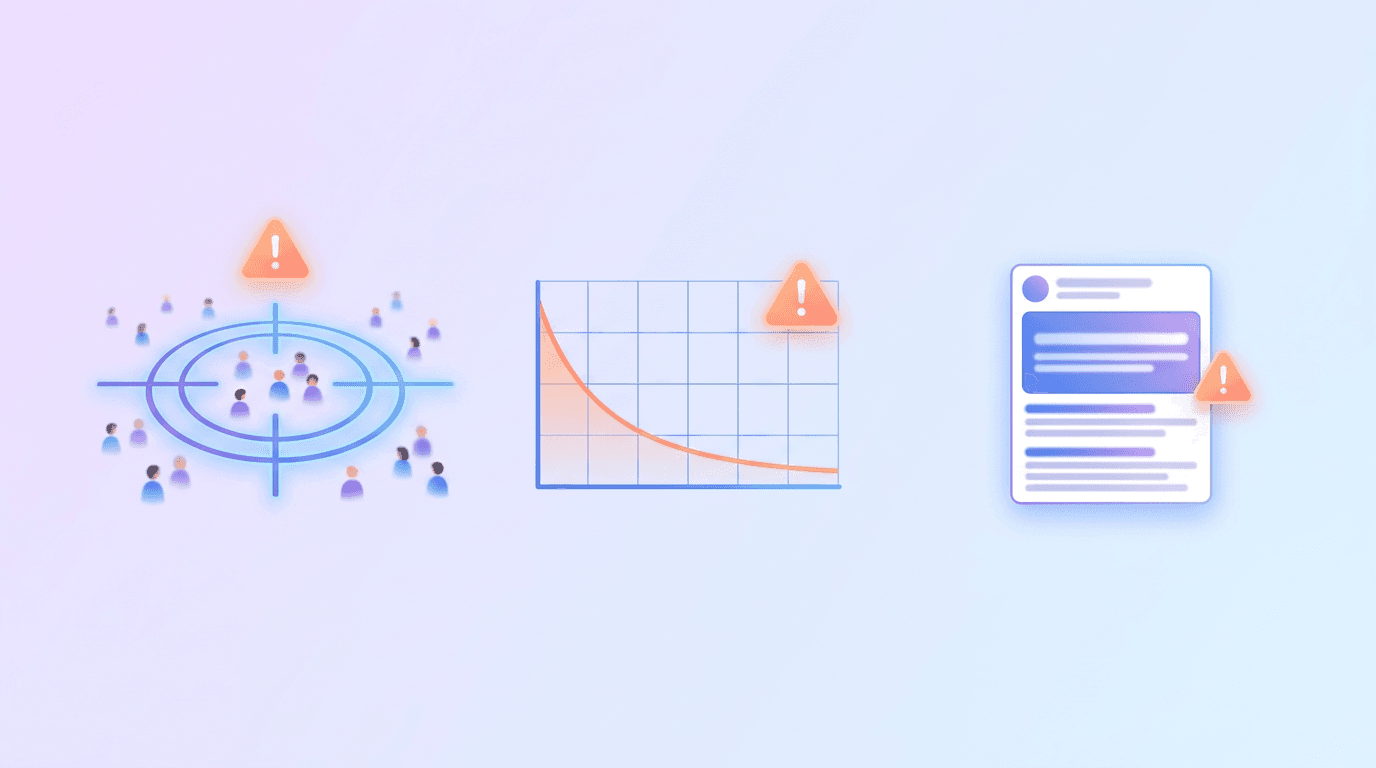
- Targeting too broad. A vague audience burns budget. Start specific.
- Only running one creative. Ads fatigue fast. Test several and refresh often.
- Ignoring mobile. Most impressions are on phones, so design vertical or square and readable on mute.
- Weak call to action. If viewers are unsure what to do, they do nothing.
- Judging too early. Let the algorithm learn for a few days before deciding an ad failed.
Frequently Asked Questions
How much does it cost to run a Facebook ad?
You control the cost entirely. You can start with as little as a few dollars a day, and Facebook only spends up to the budget you set. Actual results depend on your audience, industry, and creative, so start small to test, then scale the ads that perform.
Do I need a Facebook Page to run ads?
Yes. A Facebook Page is required to advertise, because your ads run in the name of the Page. You can create a new Page in minutes or connect an existing one to your Meta Business account before setting up your first campaign.
What makes a good Facebook ad?
A good Facebook ad has a scroll-stopping visual with one clear focal point, a benefit-led message that lands in the first second, readable text for sound-off viewing, and a single clear call to action. Testing several creative variations and refreshing them regularly keeps performance strong.
How do I create Facebook ad creative without a designer?
Use an AI design tool. You describe the ad you want, and the tool generates a complete, editable creative sized for Facebook in under a minute. Tools like Krumzi let you produce multiple on-brand variations to test, no design skills required.
How long does it take for a Facebook ad to get approved?
Most Facebook ads are reviewed within a few hours, though it can occasionally take up to 24 hours. Ads are checked against Meta's advertising policies, so avoid restricted content and misleading claims to prevent delays or rejections.
Start Running Facebook Ads
Making a Facebook ad comes down to two things: a clean campaign setup and a creative that stops the scroll. Get your accounts in order, pick one clear objective, target a specific audience, set a budget you are comfortable testing with, and put your energy into a strong creative and a single call to action.
If creative is your bottleneck, describe the ad to an AI tool and generate several variations, then launch the strongest and let the data guide the rest.
Related reading:
A month of posts, designed before your coffee cools
Describe the post. Krumzi designs it from scratch, on your brand, fully editable.
Make your first design freeFree to make, no card. Only pay if you download it.