On this page
- What AI Content Repurposing Actually Means
- 1. Turn a Blog Post Into a Carousel
- 2. Turn a Podcast or Webinar Into a Quote Set
- 3. Turn One Voice Memo Into a Week of Posts
- 4. Turn Data Into an Infographic
- 5. Turn a How To Section Into a Short Video
- 6. Split a Pillar Piece Into a Series
- 7. Batch Generate the Whole Set at Once
- 8. Refresh and Republish the Original
- 9. Repurpose Across Time, Not Just Format
- Where AI Repurposing Still Falls Down
- How to Start This Week
- Frequently Asked Questions
Most teams do not have a content problem. They have a distribution problem.
The 2,000 word guide took three days and got published once. The webinar took a month of planning and was watched live by forty people. The podcast episode has a transcript nobody has ever opened. All of that is finished, researched, approved work sitting in a folder doing nothing.
AI content repurposing is the practice of systematically turning that existing work into new formats. Not spinning it into slightly reworded copies, which is a waste of everybody's time, but restructuring it for the way people actually consume content on each platform.
Here are nine plays that work, in rough order of effort to payoff.
What AI Content Repurposing Actually Means
Repurposing is not republishing. Copying your blog post into a LinkedIn post changes the location, not the format, and it performs accordingly.
Real repurposing changes the shape of the content to match the medium. An article is linear and read in one sitting. A carousel is scanned in eight seconds and needs a hook on slide one. A short video needs a visual in the first second. Same underlying ideas, completely different construction.
What AI changed is the cost of that construction. The bottleneck was never having ideas, it was the two hours of design work between the idea and the finished post. When that drops to two minutes, repurposing goes from something you mean to do to something you actually do.
1. Turn a Blog Post Into a Carousel
The highest return play on this list, and the one most teams skip.

A well structured article already contains a carousel. Your H2s are your slides. Your intro is your hook slide. Your conclusion is your call to action slide. The work is compression, not creation.
The process:
- Pull the 6 to 10 strongest points out of the article, one per slide.
- Rewrite the first slide as a hook, not a title. "7 Ways to Cut Your Ad Spend" is a title. "You are probably overpaying for clicks. Here is where it leaks." is a hook.
- Cut each slide to one idea and under 25 words.
- Make the last slide a single, specific ask.
This is where URL reading earns its keep. In Krumzi, you can paste an article link straight into the prompt and the AI reads the page, pulls both the readable text and the images already on it, and builds the carousel from that source rather than from a summary you had to write first. Because it can place the article's own images, the carousel stays visually consistent with the original post instead of drifting into generic stock.
Our step by step carousel guide covers the slide structure in more depth.
2. Turn a Podcast or Webinar Into a Quote Set
Long audio is the most underused asset most teams own. An hour of conversation usually contains four or five genuinely quotable lines.
The workflow: transcribe, scan for the moments where somebody said something sharper than they meant to, then build each into a standalone quote graphic.

Transcription used to be the friction point. It is now close to free, and some design tools transcribe on attachment, meaning you can drop the recording straight in and have the AI work from what was said rather than from notes you took afterwards.
What to look for in a transcript: contradictions of conventional wisdom, specific numbers, and any sentence that starts with "the thing nobody tells you is". Skip anything that reads as a generic aphorism. Nobody shares those.
3. Turn One Voice Memo Into a Week of Posts
This one inverts the usual order. Instead of repurposing something finished, you start with the rawest possible input.
Talk for five minutes about a problem you solved this week. Do not script it. Then hand the recording to an AI tool that transcribes and structures it. You will get a clearer, more specific piece of content than you would have written, because people speak in concrete examples and write in abstractions.
From one five minute memo you can reasonably get a short article, a carousel, three standalone posts, and a video script.
4. Turn Data Into an Infographic
If your original piece contains original research, a survey, or a benchmark table, that is the most repurposable thing in it. Data travels further than opinion, and it earns links.
Extract the three most surprising numbers and build a single clean visual around them. Not a chart dump. One statistic, stated plainly, with enough context to be meaningful. Our guide to making an infographic covers the structure.
The test: could somebody understand the point from the image alone, with the caption removed? If not, it is a chart, not an infographic.
5. Turn a How To Section Into a Short Video
Any numbered list in an article is a short video waiting to happen. Steps are inherently sequential, which is what short form video is good at.
The format that works: state the problem in the first two seconds, show the steps as fast on screen text with a visual for each, end with the outcome. Sixty seconds maximum, ideally thirty.
Our guide on driving website traffic with video content covers how to close the loop back to the original article, which is the part people usually forget.
6. Split a Pillar Piece Into a Series
A comprehensive guide with eight sections is eight posts, not one. Publishing it as one post and then never mentioning it again is the default behaviour, and it wastes most of the work.
Instead, schedule one section per week as a standalone post, each linking back to the full guide. You get eight touchpoints instead of one, eight chances for the algorithm to surface you, and eight internal links pointing at the piece you actually want to rank.
This also solves the consistency problem. Most teams post erratically because they are trying to think of something new each time. A pillar piece removes that decision for two months.
7. Batch Generate the Whole Set at Once
The reason repurposing plans die is that each individual asset takes twenty minutes, and twenty minutes times ten is a day nobody has.
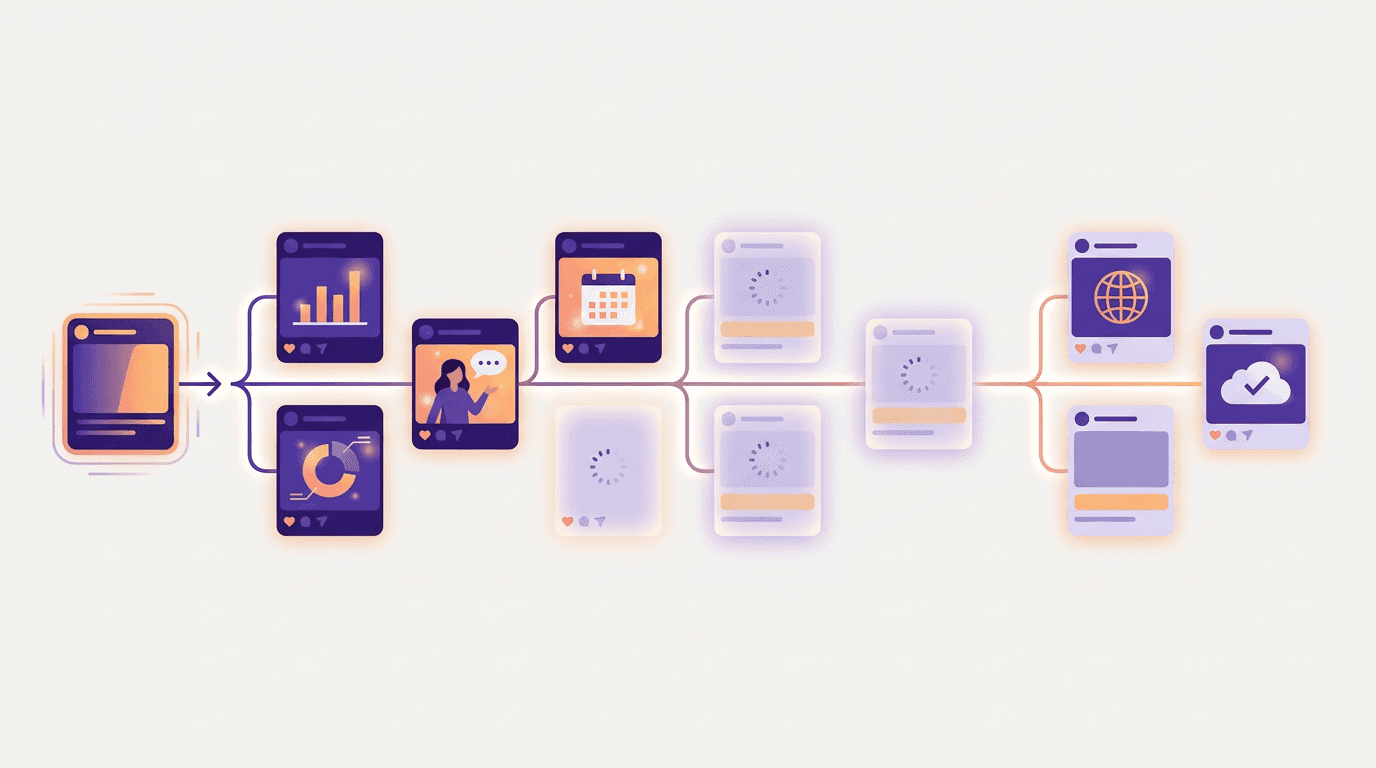
Batch generation collapses that. You write one brief describing the source content and the variations you want, and the tool produces the whole set in parallel rather than one at a time. Krumzi's batch mode generates 2 to 10 distinct designs from a single brief simultaneously, downloadable as a zip, and it keeps running even if you close the tab.
The practical difference is psychological more than technical. Ten assets produced in one sitting get published. Ten assets produced one per day over two weeks get abandoned around day four.
8. Refresh and Republish the Original
The least glamorous play and often the highest return one.
Take an article that ranked, update the statistics, add a section covering what has changed, replace the images, and republish. Google's own guidance on creating helpful content consistently favours pages that are genuinely useful and current, and a refreshed page with real new substance usually outperforms a new page on the same topic, because it keeps whatever authority it has already accumulated.
The rule is that a refresh has to add something. Changing the year in the title and nothing else is not a refresh, and readers notice faster than search engines do.
9. Repurpose Across Time, Not Just Format
Most repurposing plans treat a piece of content as something you mine once and abandon. The better model is a rotation.
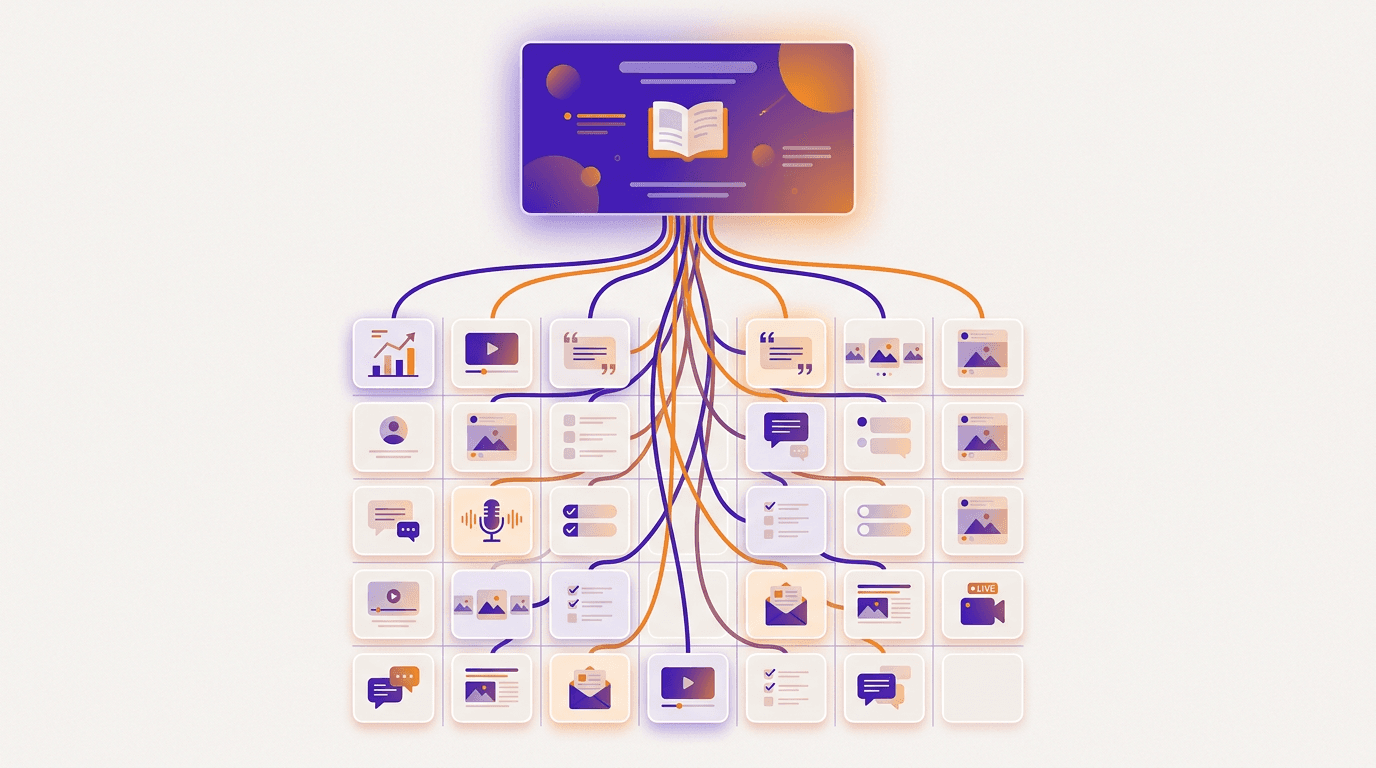
A workable rhythm for a single strong article:
| Timing | Format |
|---|---|
| Week 1 | Publish, plus an announcement post |
| Week 2 | Carousel of the main points |
| Week 4 | Short video of one section |
| Week 6 | Standalone quote or statistic graphic |
| Week 10 | Contrarian take on one point from it |
| Month 6 | Refresh, update, republish |
Your audience did not see the first post. Platform reach for any individual post is a small fraction of your following, a pattern Buffer's analysis of millions of posts has documented repeatedly, so the overlap between who saw week one and who sees week ten is much smaller than it feels from the inside.
Where AI Repurposing Still Falls Down
Being honest about the limits is what keeps this from becoming content sludge.
AI compresses well and reframes badly. It will faithfully summarise your article into eight slides. It will not notice that slide three is the actually interesting idea and should have been the whole post. That judgement is still yours.
Generated copy defaults to the middle. Left alone, AI produces the average of everything written on a topic. The specific number, the odd example, the thing you learned the hard way: those come from you, and they are the only reason anyone reads it.
Volume without editing is a liability. Ten mediocre posts do more damage to a brand than one good one does good. The point of removing the production bottleneck is to spend the saved time on judgement, not to publish five times as much.
Not every format suits every idea. Some things genuinely need 2,000 words. Forcing a nuanced argument into eight slides produces a confidently wrong carousel.
For a wider look at where AI fits across a content workflow, our roundup of AI tools for content creators breaks the stack down by job, and our practical guide to using AI for content creation covers the writing side.
How to Start This Week
Do not build a system. Pick one asset.
Find your best performing piece from the last year, the one that already proved people care about the topic. Run play 1 on it: turn it into a carousel. Then run play 5: turn one section into a short video. That is two hours of work and two weeks of content from something you already paid for.
If that works, formalise it. Every new pillar piece gets a repurposing checklist attached before it is published, not after. The teams that do this consistently are not more creative than everyone else. They just decided the work was not finished when the article went live.
Frequently Asked Questions
What is AI content repurposing?
AI content repurposing is using AI tools to convert existing content into new formats for different platforms, such as turning a blog post into a carousel, a podcast into quote graphics, or a webinar into a set of short videos. The AI handles the compression and the design production, while the strategic decisions about which ideas matter stay with you.
Does repurposing content hurt SEO?
Repurposing across platforms does not, because a carousel on social media and an article on your site are different formats serving different audiences. The risk only appears when you republish substantially identical text on multiple indexable web pages, which can split ranking signals. If you syndicate an article elsewhere, use a canonical tag pointing back to the original, as Google's documentation on consolidating duplicate URLs explains.
How many pieces can you get from one article?
A solid 1,500 to 2,000 word article realistically yields six to ten distinct assets: a carousel, two or three standalone posts, one or two short videos, a quote graphic, an infographic if it contains data, and an email. Beyond roughly ten, quality drops sharply and you are stretching a single idea past what it can support.
What is the difference between repurposing and republishing?
Republishing is posting the same content in a new place with no change to its structure. Repurposing rebuilds the content for how the new format is actually consumed, which usually means a different opening, a different length, and different visual treatment. Republishing is why so many cross posted articles get no engagement on social platforms.
Which content is worth repurposing?
Start with what already worked. Pull your top five pieces by traffic, engagement, or conversions and repurpose those first, since the topic has already been validated. Evergreen content repurposes better than news, and anything containing original data, a strong opinion, or a step by step process converts into other formats most easily.
A month of posts, designed before your coffee cools
Describe the post. Krumzi designs it from scratch, on your brand, fully editable.
Start free trial3-day free trial, card needed. No charge until day 4. Cancel online anytime.