On this page
Every explanation of MCP servers you've found so far was written for a developer. You can tell, because they all start with the word "protocol" and end with a code sample.
If you're a marketer, a creator, or someone running a small business, you don't need to know how it's wired. You need to know what changes for you, whether you have to do anything about it, and whether the answer is worth two minutes of your afternoon.
So this one is written for you. No code, no architecture diagrams that assume you know what a client-server model is.
What Is an MCP Server?
An MCP server is a small connector that lets an AI assistant like Claude or ChatGPT actually use one of your apps, not just talk about it. Once it's connected, you can ask the AI in plain English to pull data out of that app or create something inside it, and it does the work for real.
MCP stands for Model Context Protocol, an open standard Anthropic released in late 2024 and then handed to the wider industry. It has since been adopted well beyond Anthropic, which is why the same connector often works across several different AI tools.
The Analogy That Actually Fits
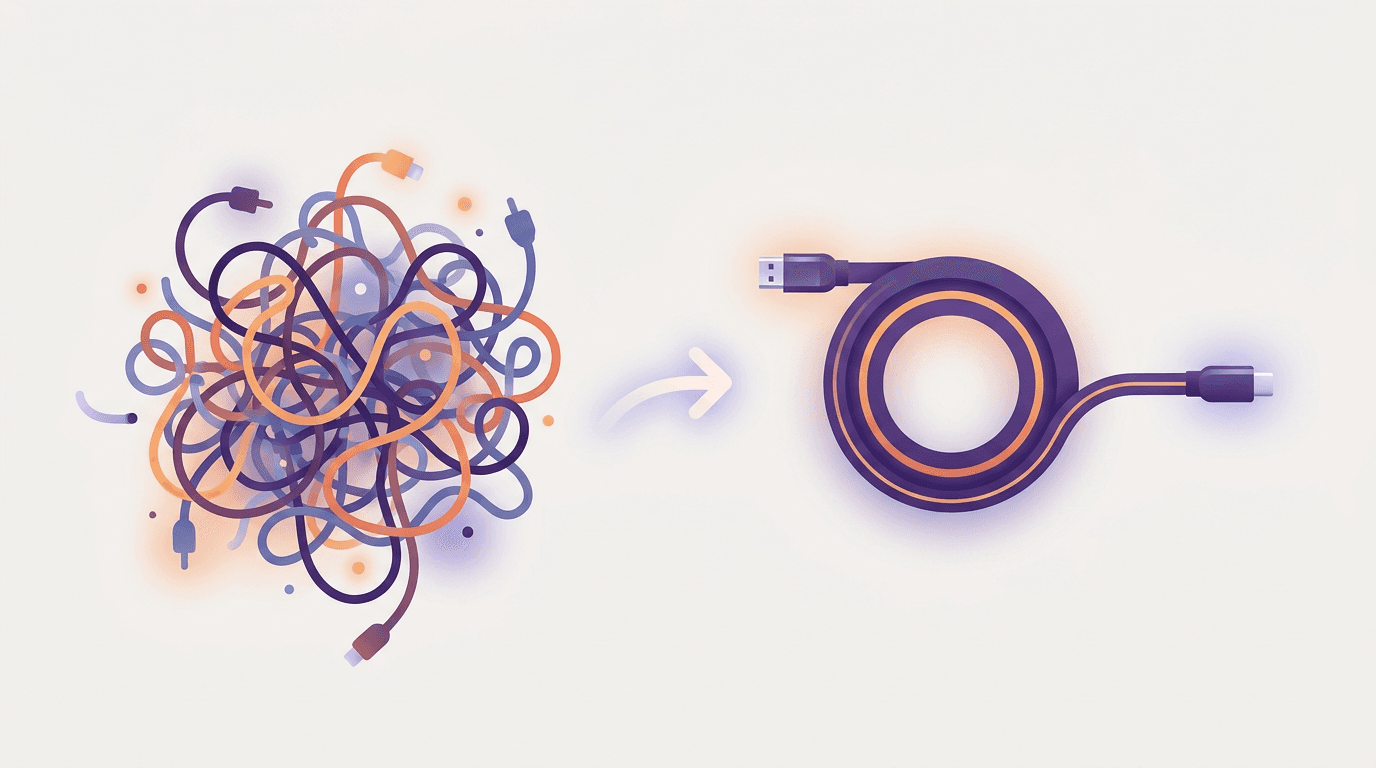
Every article you've read compares MCP to a USB-C port. That comparison explains the wiring, which is a developer's question. It tells you nothing about what changes for you.
Here's a better one. An MCP server is like creating a limited staff account inside a tool you already pay for, and handing that account to an assistant.
Think about what you do when a new person joins your team. You add them to your design tool, your analytics dashboard, your project board. You don't hand over your own password. You give them their own access, you decide what they can see and do, and if they leave, you switch the account off.
An MCP server is that, for an AI. You grant scoped access to one app. The AI can do the things you allowed and nothing else. It can't see anything your own account can't see. And you can revoke it in one click.
That framing does three jobs the USB-C one can't: it explains why it's safe, it explains what the limits are, and it explains why you'd bother.
What Problem Does It Actually Solve?
Before MCP, an AI assistant was a very capable person locked in a room with no phone. Brilliant at anything you handed it, incapable of reaching anything you didn't.
That produced a specific and very familiar kind of busywork. You'd export a report, paste it into the chat, get an analysis, then copy the result back into the tool it came from. You'd describe the design you wanted, get a description back, then go make it yourself. The AI was doing the thinking and you were doing all the fetching and carrying.
Individual apps could solve this one at a time by building a custom integration with each AI tool. That's an enormous amount of duplicated work, and it's why for a long time you only got integrations between the biggest players.
MCP replaced that with one shared standard. A tool builds an MCP server once, and it works with every AI assistant that speaks MCP. That's the entire reason connectors went from rare to everywhere in about eighteen months.
The Three Pieces, Without the Jargon
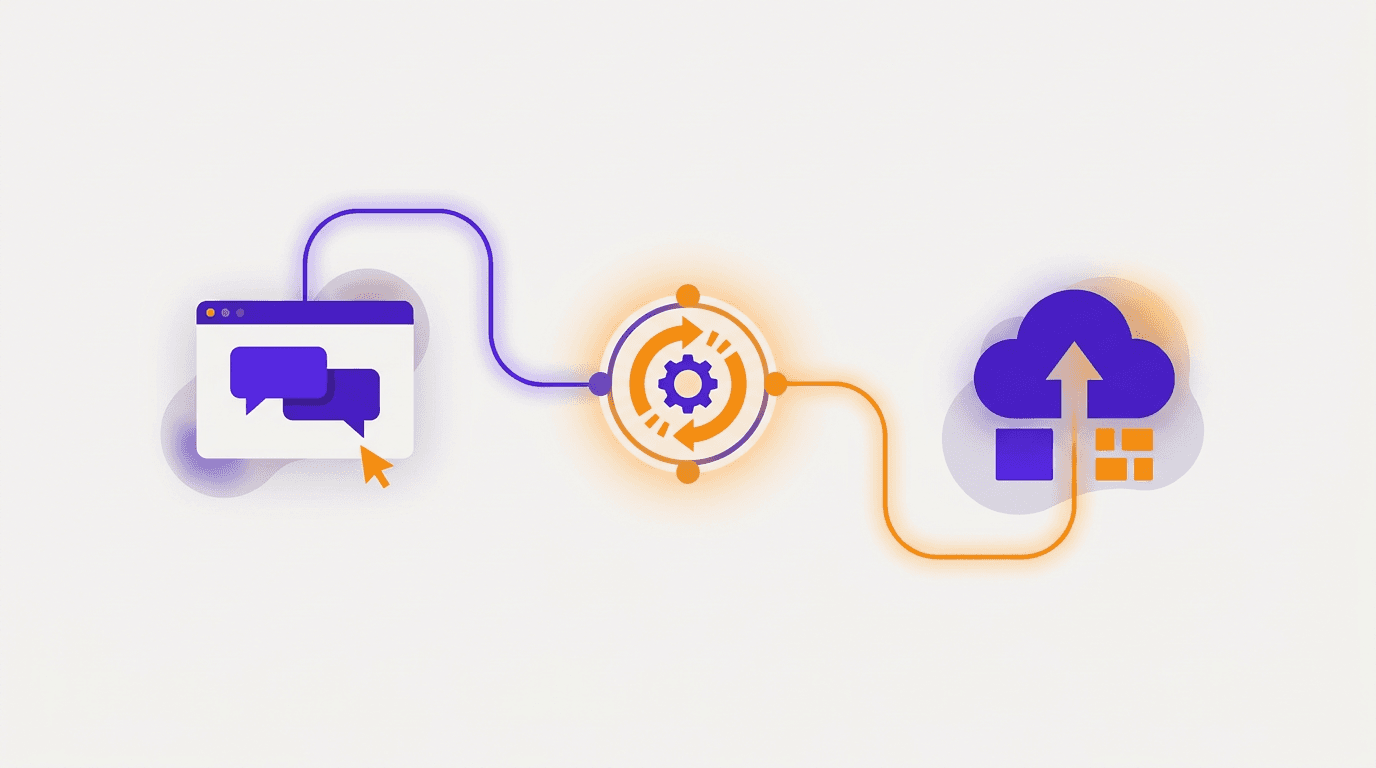
You'll see a three-part diagram in every technical explainer. Here's what the three parts mean in normal language.
The app you're chatting in. Claude, ChatGPT, or whatever assistant you're using. This is where you type.
The connection. The plumbing that carries your request out and the result back. You never see this and you never configure it.
The server. The piece that belongs to the tool you're connecting. It's a menu of things that tool is willing to let an AI do. A design tool's menu might read: create a design, edit a design, export a file. A project tool's might read: list tasks, create task, add comment.
When you connect, the AI reads that menu. From then on, when you ask for something on it, the AI picks the right item and uses it.
Is an MCP Server a Real Server?
Not in the way you're picturing. There's no machine humming in a rack somewhere that belongs to you, and you're not going to be asked to maintain one.
There are two kinds, and the difference matters practically.
Hosted, or remote, servers are run by the company whose tool it is. You paste a web address into your AI assistant, sign in, done. Nothing gets installed on your computer. This is the kind a non-developer will use, and increasingly it's the kind most tools ship.
Local servers run on your own machine and usually need a developer to install and configure them. These are what most of the technical guides are describing, which is why those guides feel so intimidating. If you're not a developer, you can almost always ignore this category entirely.
If someone tells you MCP servers require the command line, they're describing the local kind and not telling you the other kind exists.
MCP Server vs API: What's the Difference?
This is the single most asked question about MCP, and most answers make it more confusing rather than less.
An API is how two pieces of software talk to each other. It has been around for decades, and it's built for developers writing code. To use one, someone has to read documentation, write a program, and handle errors when things change.
An MCP server is a wrapper around that capability, designed so an AI can figure out how to use it without a developer writing anything. The server describes itself in a standard way, the AI reads that description, and it works out which action fits your request.
The practical difference: an API needs a programmer to make it useful. An MCP server needs a sentence.
MCP doesn't replace APIs. Most MCP servers are built on top of an existing API. It's a layer that makes the same capability reachable by an assistant instead of only by code.
Real Examples You'd Actually Use
Abstract explanations only go so far. Here's what's genuinely available and useful if you're not a developer.
Design. Ask for a social post, a carousel, or a print-ready menu in chat and get a finished, editable design back. Krumzi's server sits here, at https://www.krumzi.com/api/mcp.
Notes and documents. Search your workspace, pull the right page into context, draft into it directly.
Analytics and SEO. Ask for keyword data or traffic numbers in plain English rather than building the report by hand.
Email and CRM. Pull campaign performance, query contact records, draft a follow-up grounded in real history.
Project tools. Create tickets, check status, summarise what shipped this week.
Research. Search the web and pull clean page content for competitive monitoring.
The common thread is that all of these are things you already do, in tools you already pay for. A connector doesn't add a new capability so much as remove the copying and pasting between the thinking and the doing.
We've gone through the full set in our roundup of MCP servers for marketers and creators, with setup difficulty flagged for each one.
Do You Actually Need One?
Honest answer: only if you repeat something.
Connectors pay off on tasks you do weekly, that are well defined, and where a wrong result is cheap to fix. Producing social graphics, pulling the same report, drafting from the same notes. The setup cost is small and you recover it fast.
They're not worth it for one-off jobs, for anything where you need precise manual control over the output, or for high-stakes irreversible actions where you'd want a human checking anyway.
If you can't name a task you do at least a few times a month that a connector would shorten, you don't need one yet. That's a fine answer.
Frequently Asked Questions
Does ChatGPT use MCP?
Yes, ChatGPT supports MCP, though the setup is more involved than on Claude and the availability has been shifting. Support for custom MCP servers sits behind a developer setting, and full read-and-write access has been rolling out to business and enterprise tiers ahead of individual ones. OpenAI has also renamed the surrounding features more than once, so check their current documentation rather than trusting an older walkthrough.
What is the difference between an MCP server and an AI tool?
An AI tool is a single action an assistant can take, like "create a design" or "search files." An MCP server is the thing that offers a set of those actions and handles the connection. One server usually exposes several tools. Think of the server as the staff account and the tools as the specific permissions attached to it.
What is an MCP server vs an API?
An API is built for developers writing code, and it takes programming work to turn one into something useful. An MCP server wraps that capability in a standard description an AI can read and act on by itself, so you get the same result by asking in plain English. Most MCP servers are built on top of an existing API rather than replacing it.
Will MCP servers replace APIs?
No. MCP servers are typically built on top of APIs, so the API is still doing the underlying work. What's changing is who the interface is designed for. APIs remain the way software talks to software, while MCP is the layer that makes those same capabilities reachable by an AI assistant without a developer in the middle.
Are MCP servers safe?
The mechanism is sound. You authorise through a standard sign-in rather than sharing a password, access is scoped to specific actions, an AI can't reach anything your own account can't, and you can revoke access in one click. The real variable is who you're connecting to, since a custom server is a third-party service that the AI provider hasn't reviewed. Connect tools you already use and trust, and disconnect what you stop using.
The Takeaway
An MCP server is a scoped account you give an AI inside one of your tools. That's the whole idea. The protocol details underneath are a developer's problem, not yours.
What's worth your attention is the shift it represents. AI assistants spent two years being very good at telling you things and completely unable to do them. Connectors are how that changes, and the setup is genuinely a paste-a-URL job rather than an engineering project.
If design is the task you repeat, connecting Krumzi to Claude is a reasonable first one to try, and our full connector walkthrough covers the setup step by step. If you want the background on where this standard came from, Anthropic's original announcement of the Model Context Protocol and the official MCP documentation are the primary sources.
A month of posts, designed before your coffee cools
Describe the post. Krumzi designs it from scratch, on your brand, fully editable.
Start free trial3-day free trial, card needed. No charge until day 4. Cancel online anytime.