On this page
Search for the best MCP servers and you will get a list of GitHub, Postgres, Playwright, Kubernetes, and Docker. Every single time.
Those lists aren't wrong, they're just written by developers for developers. If you run social, write content, or do marketing at a small company, you scroll through forty entries looking for one thing you recognise and give up.
Meanwhile the directories that catalogue thousands of servers have a Marketing category with almost nothing in it, and one of the most common questions people ask about MCP is literally whether there's one for Facebook.
So here's the version nobody has written: MCP servers that are useful if your job involves customers rather than compilers. Every one verified against its official documentation, with an honest flag on which ones genuinely need a developer.
What an MCP Server Does for a Marketer
Short version, in case you landed here without the background.
An MCP server is a scoped account you give an AI assistant inside one of your existing tools. Connect it once, and instead of exporting a report to paste into a chat, you ask for the report and get it. Instead of describing the design you want, you get the design. Our plain-English guide to MCP servers covers the concept properly if you want it.
The useful mental shift: a connector doesn't give you a new capability. It removes the copying and pasting between the thinking and the doing.
How This List Was Built
Worth stating, because the ranking method is why most lists come out dev-heavy.
The popular directories rank servers by GitHub stars. That structurally guarantees developer tools win, because a hosted commercial server with no public repo scores zero no matter how good it is. Every marketing tool on this page would be invisible under that method.
So the criteria here are different:
- It has to be real. Every entry was checked against the vendor's own documentation, not a directory listing.
- It has to serve a marketing or creative job, not a software engineering one.
- Setup difficulty is stated honestly. Most are a paste-a-URL job. One genuinely needs a developer and it says so.
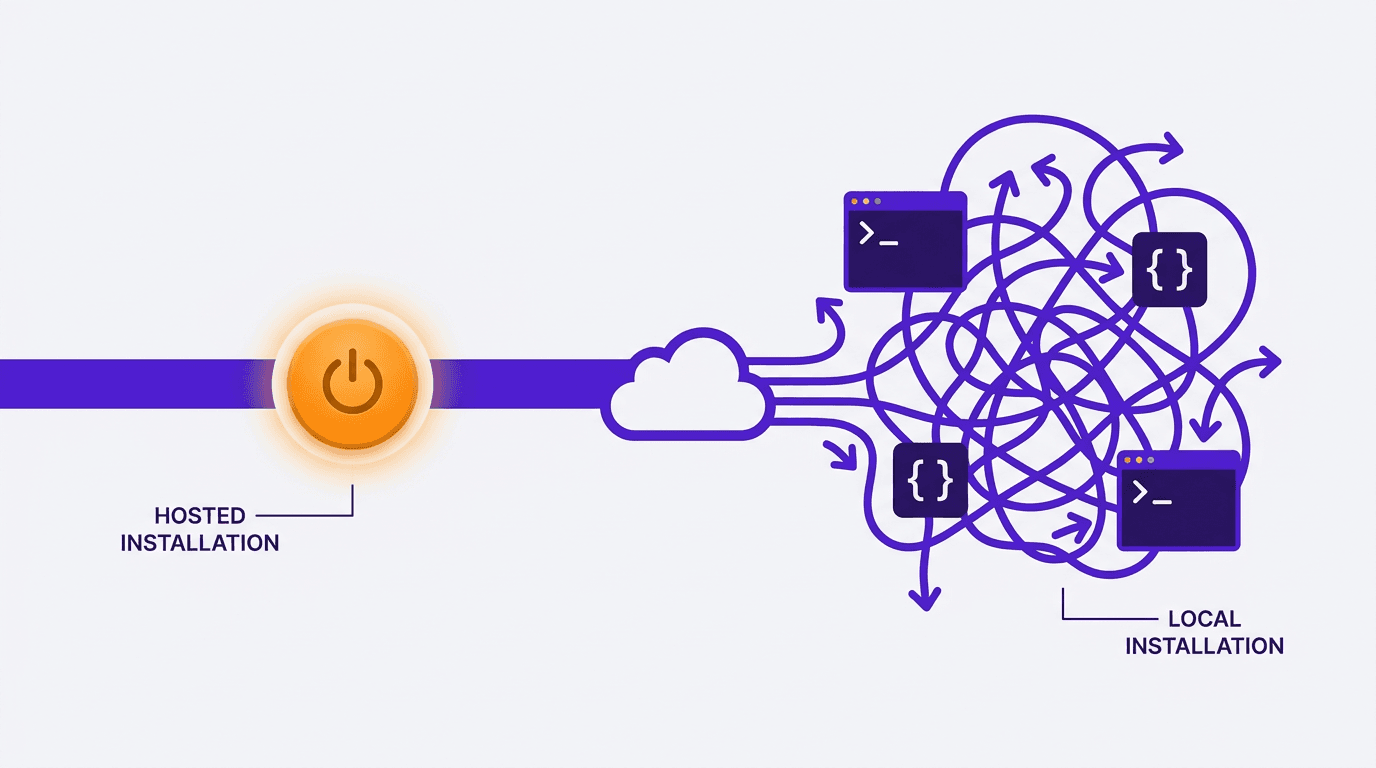
- Hosted is preferred over local. If you need a terminal, it's flagged.
Design and Creative
1. Krumzi
Describe a design in chat and get a finished, editable one back. Covers single images, multi-slide carousels, and multi-page print documents like menus and guides, all applied to your saved brand colours and fonts. Output arrives layered, so the headline is real editable text rather than pixels you'd have to regenerate to change.
Server URL: https://www.krumzi.com/api/mcp. Setup is paste-and-approve, no API key. Worth knowing before you start: video is not available over the connector, only static and print work.
Needs a developer? No. Roughly two minutes.
2. Canva
Canva ships an MCP connector that can create designs with its AI, autofill brand templates, find existing designs, and export to PDF or image. It's the most widely known option here and connects in one click from Claude or ChatGPT. Requires a paid Canva tier.
One trap: Canva also publishes a separate developer MCP server that serves app-development documentation to coding agents. Different product, useless for marketing work, and several directories conflate the two.
Needs a developer? No, for the connector version.
3. Figma
Reads and writes the Figma canvas, pulls variables and components, and turns live UI into editable layers. Genuinely powerful, but it's built around design-to-code handoff, so the value is highest if you work alongside engineers. A brand or social designer will find less here than the category suggests.
Needs a developer? Borderline. The remote server connects easily, the workflows assume technical context.
4. Descript
Imports media and edits video and audio conversationally: cutting filler words, adding captions, pulling clips, publishing. Built explicitly for creators and podcasters rather than engineers, and the setup is a server URL in the app's settings.
Needs a developer? No.
Social Media
5. Buffer
The clearest answer to "is there an MCP for social media." Drafts, schedules, and queues posts across your connected channels, and saves ideas to your ideas board. Connects from Buffer's settings in about a minute, and it's included on every plan including the free one.
Pair it with a design connector and the chain works end to end: ask for the graphic, then ask for it scheduled.
Needs a developer? No.
SEO and Analytics
6. Ahrefs
Keyword research, competitor analysis, backlink audits, and content planning, asked for in plain English instead of built by hand in the interface. Connects to Claude, ChatGPT, Cursor, and Copilot Studio. Included on all paid Ahrefs plans, with row limits by tier.
This is one of the highest-leverage connectors on the list if you do SEO work, because the tedious part of SEO is not the thinking, it's the pulling.
Needs a developer? No.
7. Semrush
Same category, different data. Query SEO, traffic, and competitor data conversationally, and automate the client reporting that eats a Friday afternoon. Connects via OAuth on Claude and ChatGPT. Needs a qualifying subscription.
Needs a developer? No on Claude and ChatGPT. Config file on Cursor and VS Code.
8. Google Analytics
Runs GA4 core reports, funnel analysis, and realtime reports, and lists your custom dimensions. Powerful, and the one entry on this list that is honestly not a marketer-installable connector.
It runs locally, and setup means enabling Google Cloud APIs and configuring application default credentials. If that sentence meant nothing to you, this one needs a developer.
Needs a developer? Yes. Genuinely.
Email and CRM
9. Klaviyo
Over two hundred tools covering campaign performance, campaign building, and querying lists and flows. Three clicks from Claude's connector settings. You'll need an Owner, Admin, or Manager role on the Klaviyo account.
Needs a developer? No.
10. HubSpot
Reads and writes CRM contacts, deals, and engagements. The work to set it up is administrative rather than technical: authorising the app and getting the OAuth scopes right. Note that HubSpot also publishes a separate local developer server, which is not the one you want.
Needs a developer? Light. An admin can do it.
11. Intercom
Fourteen tools for searching and managing conversations, contacts, companies, and help centre articles. Useful well beyond support: "what are the five most common complaints this month" is a content brief generator disguised as a support query.
Needs a developer? No. OAuth, or a token with the right scopes.
Docs, Data and Projects
12. Notion
Searches your workspace, reads and creates pages, and manages databases. If your content calendar, briefs, and brand docs live in Notion, this is the connector that lets an assistant work from your actual context instead of whatever you remembered to paste in.
Needs a developer? No. OAuth only.
13. Airtable
Searches and analyses base data, creates and updates records, and can build bases, interfaces, and automations. Permissions mirror your own Airtable access. For anyone running a content calendar or campaign tracker in Airtable, this removes a lot of manual row entry.
Needs a developer? No. Prebuilt Claude and ChatGPT connectors.
14. Zapier
The catch-all. Bridges to thousands of apps and tens of thousands of actions, which makes it the answer for any tool on your stack with no native MCP server of its own. Roughly a five-minute guided setup with no config files.
It's less precise than a purpose-built connector, so reach for it when nothing native exists rather than as a first choice.
Needs a developer? No.
Quick Comparison
| Server | Job | Hosted or local | Developer needed |
|---|---|---|---|
| Krumzi | Design, carousels, print docs | Hosted | No |
| Canva | Design, brand templates | Hosted | No |
| Figma | UI design, design systems | Hosted | Borderline |
| Descript | Video and audio editing | Hosted | No |
| Buffer | Social scheduling | Hosted | No |
| Ahrefs | SEO and keyword research | Hosted | No |
| Semrush | SEO and competitor data | Hosted | No |
| Google Analytics | GA4 reporting | Local | Yes |
| Klaviyo | Email campaigns and flows | Hosted | No |
| HubSpot | CRM records | Hosted | Light |
| Intercom | Support conversations | Hosted | No |
| Notion | Docs and workspace | Hosted | No |
| Airtable | Records and trackers | Hosted | No |
| Zapier | Bridge to everything else | Hosted | No |
Three Traps Worth Knowing About
These cost people an afternoon each and no directory warns you.
Local and hosted servers share names. Several vendors publish two completely different MCP servers under similar branding: a hosted one for using the product, and a local developer one that serves documentation to coding agents. Canva, HubSpot, Klaviyo and Firecrawl all have this pattern. If a setup guide opens with a terminal command, you're probably looking at the wrong one.
Star counts are a bad proxy for usefulness. The best-known ranked lists sort by GitHub stars. A hosted commercial server has no repo to star, so the tools most useful to a marketer are structurally invisible on those lists. Judge by whether it does your job, not by where it sits in a leaderboard.
The URL usually needs its full path. Custom connectors fail most often because someone pasted the marketing site address instead of the server address. The server URL almost always ends in a specific path segment, and the bare domain will not initialise.

Where to Start
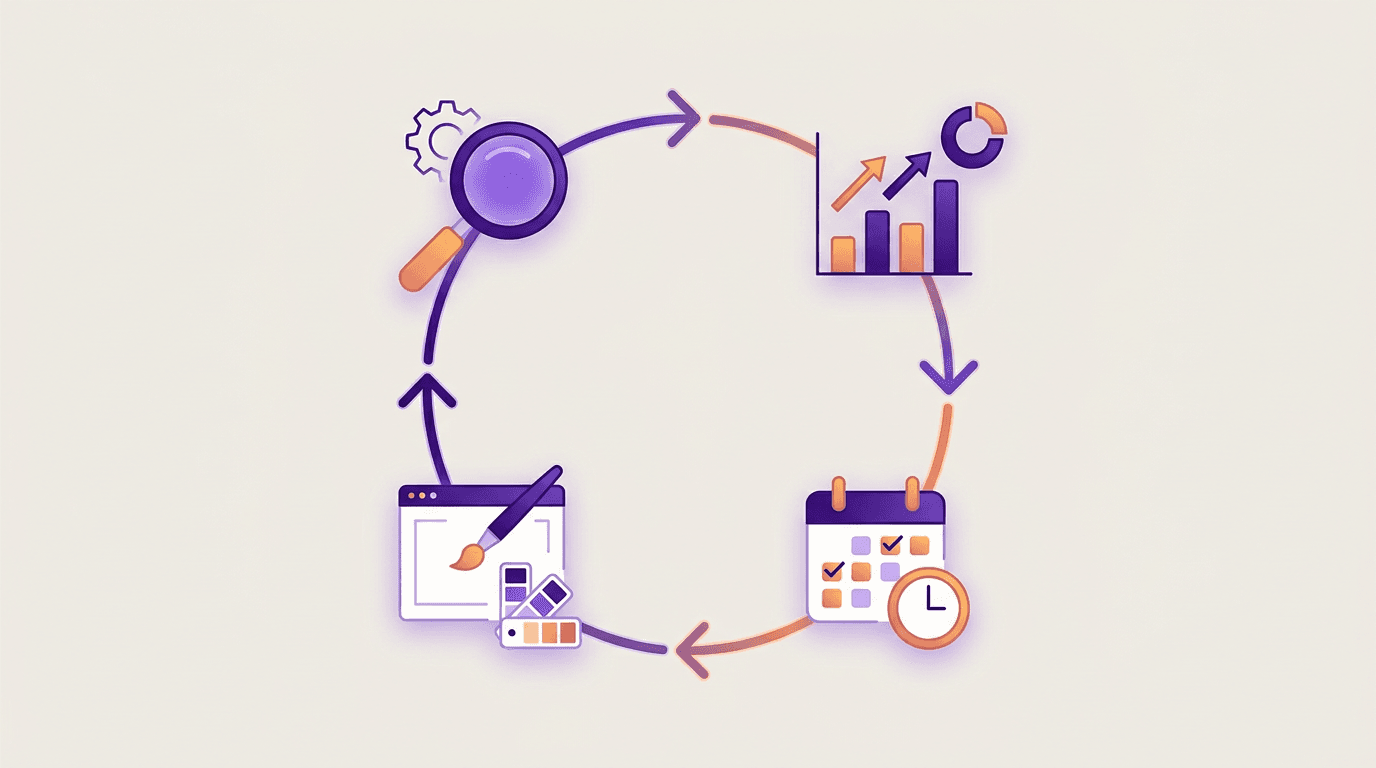
Don't connect fourteen things. Connect one, attached to a task you genuinely repeat every week.
For most marketing teams the highest-return first connector is whichever of these three matches your bottleneck: design if you're producing visuals constantly, an SEO tool if you pull the same reports, or your notes tool if context-gathering is what slows you down.
Add a second only once the first has actually saved you time. A stack of unused connectors is just a longer settings page.
Frequently Asked Questions
Is there an MCP for Facebook or Instagram?
There's no first-party Meta MCP server. The practical route is a social management tool that already holds your Meta connection, such as Buffer, or a bridge like Zapier that can reach Meta's APIs. Both give you scheduling and publishing through chat without waiting on Meta to ship something native.
How much does it cost to run an MCP server?
As a user, nothing beyond what you already pay. Hosted servers are run by the vendor and included with your existing subscription, though some gate the connector to paid tiers or specific roles. You will need a paid plan on the AI side for custom connectors. The only case where you'd pay to run a server is if you built one yourself.
Do I need to be technical to use MCP servers?
For hosted servers, no. You paste a URL or click connect, sign in, and approve. That covers thirteen of the fourteen entries here. Local servers are the technical ones, and they're the reason MCP has a reputation for being developer-only. Check whether a server is hosted before assuming you can't use it.
Which AI assistants support MCP servers?
Claude has the most mature support, with a connector directory plus custom connectors on paid plans. ChatGPT supports MCP too, though setup sits behind a developer setting and full access has rolled out to business tiers ahead of individual ones. Cursor and several coding tools support it as well. Because MCP is an open standard, one server generally works across all of them.
What's the difference between an MCP server and a Zapier automation?
A Zapier automation runs on a trigger you configured in advance, the same way every time. An MCP connector is available on demand and the AI decides how to use it based on what you asked for. Automations are better for predictable recurring workflows, connectors are better for varied requests you can't specify ahead of time.
The Takeaway
The MCP ecosystem grew up around developer tooling, and the lists still reflect that. But the servers that matter for marketing work exist now, most of them are hosted, and most take about two minutes.
The useful filter isn't which server is most popular. It's which one sits on a task you repeat. Pick that one, connect it, and see whether it survives a fortnight of real use before adding another.
If visual content is your weekly bottleneck, the Krumzi connector is a two-minute setup, and our step-by-step connector guide walks through the whole flow including custom URLs.
A month of posts, designed before your coffee cools
Describe the post. Krumzi designs it from scratch, on your brand, fully editable.
Start free trial3-day free trial, card needed. No charge until day 4. Cancel online anytime.