On this page
- Is this image AI generated? The 3-step check
- Nine signs an image is AI generated
- What an AI image detector's score actually means
- Why platforms label your content, and what the EU AI Act requires
- The flip side: why marketing designs "look AI"
- How to use AI in design without the slop tell
- Frequently Asked Questions
You're staring at a photo and something feels off, but you can't say what. Or you've just exported a new ad and a colleague asks "is this image AI generated?" in a tone that isn't a compliment. Both moments come down to the same skill: knowing the tells, where the provenance data lives, and how to check quickly. This guide gives you a 3-step check, the nine visual signs that survive even good generators, and then flips it around to show how to use AI in your own design work without shipping the "AI slop" that makes people scroll past.
Is this image AI generated? The 3-step check
Most people jump straight to squinting at hands. That's the least reliable step, so it goes last. Start with the data attached to the file, then check where else the image exists, and only then use your eyes.
Step 1: Check provenance
Provenance means the record of where an image came from and what was done to it. Two systems matter in 2026: watermarks and Content Credentials.
The fastest check for most people is the Gemini app. Upload an image (or a video or audio clip) and ask "Was this created by Google AI?" Gemini checks for a SynthID watermark, embedded in images and video made by Google's own models, and also reads C2PA Content Credentials when present. Google's help page for the Gemini check notes you get roughly 10 checks per content type every 24 hours, and that it only confirms Google-made content. A "no" from Gemini doesn't mean the image is real; it means it wasn't made by Google.
For images that might come from ChatGPT, the OpenAI API or Codex, OpenAI's public Verify tool reads both C2PA metadata and SynthID marks. OpenAI joined the C2PA steering committee on 19 May 2026 and adopted SynthID for its image outputs, so the two biggest consumer image sources now share a detection language.
For everything else, drag the file into the free Content Credentials inspector at contentcredentials.org/verify. If the image carries credentials under the C2PA standard (version 2.3 is current), you'll see who made it, which tool, and whether AI was involved. If nothing shows up, the credentials were never added or were stripped along the way, which is common.
Google Search has also built SynthID checks into Lens, AI Mode and Circle to Search since 19 May 2026, with Chrome and broader C2PA support announced as coming. So "About this image" can do the first pass for you.
Step 2: Reverse image search
If provenance comes back empty, find out where else the image lives. Run it through Google Lens or Circle to Search. Real photos usually have a trail: an original post, a news article, a stock listing, a higher-resolution version somewhere. AI images tend to appear exactly once, or only on pages that also look generated.
Pay attention to the earliest dated result. A "photo" of a storm that only exists on accounts created last week is telling you something. Other versions with different details, like a different number of windows on the same building, point to generated variations.
Step 3: Look for the nine visual signs
Only now do you use your eyes, and it comes last because humans are not great at this. A 2025 Microsoft study led by Thomas Roca and published on arXiv (2507.18640) ran more than 12,500 participants through about 287,000 image judgments. Overall accuracy was 62%, barely above a coin flip. People did best on portraits and worst on landscapes. So treat visual checks as one signal among several, not a verdict.

Nine signs an image is AI generated
None of these alone proves anything. Two or three together, with no provenance and no search trail, is a strong case.
Hands and teeth
Still the classic. Count fingers, check whether thumbs are on the correct side, and look at how hands hold objects. Generators have improved since 2023, but hands gripping cups, pens or another person's hand still go wrong more than anything else. Teeth are similar: too many, too even, or blending into one white band.
Text, logos and signage
Look at any writing in the image: street signs, packaging, shirts, book spines. AI text often has letters that almost form words, inconsistent fonts within one sign, or characters that melt into each other. Logos on products come out as plausible shapes that belong to no real brand.
Reflections and shadows
Check that shadows fall in one direction and match the apparent light source. Look at mirrors, windows, sunglasses and water. A reflection that shows a different scene, or a person whose reflection has a different pose, is a strong tell.
Skin and texture
Generated skin tends to look airbrushed, with no pores, fine hairs or small imperfections. It reads as slightly plastic or waxy. Fabric can have the same problem: weave patterns that don't repeat correctly or seams that go nowhere.
Symmetry and repeats
AI loves patterns and often gets them slightly wrong. Look at tiles, bricks, fence posts, windows on a building, or a crowd. You'll see elements that repeat then break, or background faces that are near-copies of each other.
Background logic
Foregrounds get the model's attention; backgrounds get its guesses. Look for staircases that lead nowhere, chairs with three legs, roads that merge into walls.
Too-perfect lighting
Real photos have hot spots, blown highlights, mixed color temperatures and awkward shadows. Generated images tend to have a smooth, evenly lit, golden-hour glow on everything, including indoor scenes where that light couldn't exist.
Jewelry, glasses and hair edges
Earrings that don't match, necklaces that pass through clothing, glasses with frames that change thickness from one side to the other. Hair strands that dissolve into the background or merge with a collar belong here too.
Metadata that's missing
Right-click, open properties or use an EXIF viewer. Real camera photos usually carry a camera model, lens, exposure settings and often a timestamp. Screenshots and social uploads lose most of this, so absence isn't proof. But a "photo" with no camera data, no Content Credentials and no search history has three strikes.

What an AI image detector's score actually means
Plenty of online tools promise a percentage: "87% likely AI." Here's how to read that number.
Most detectors are classifiers that learn the statistical fingerprints of specific generators at a specific point in time. When a new model ships, or an image is resized, compressed or screenshotted, those fingerprints weaken. That's why the same image can score 90% on one tool and 20% on another.
False positives are the bigger problem for marketers. Heavily retouched product photography, studio portraits with smooth lighting, and illustrations all tend to trigger detectors.
Here's how to weigh the signals you have:
| Signal | What a positive result tells you | What a negative result tells you |
|---|---|---|
| SynthID (Gemini check) | Made or edited by a Google model | Not Google; could still be AI |
| OpenAI Verify | Made with ChatGPT, API or Codex | Not OpenAI; could still be AI |
| C2PA Content Credentials | Reliable origin and edit history | Credentials absent or stripped |
| Reverse image search | Image has a real, dated trail | No trail; suspicious but not proof |
| Detector score | Some statistical similarity to known AI output | Weak evidence either way |
| Visual signs | Two or more tells is a strong case | Humans miss about 38% of the time |
Use several rows, never one. And remember the 62% human baseline: a confident gut call is still wrong roughly four times in ten.
Why platforms label your content, and what the EU AI Act requires
Even if you never run a check yourself, the platforms you publish on do, and your own creatives will get labeled whether you like it or not.
Meta shows an "AI info" label when it reads C2PA metadata on an upload. TikTok auto-applies an "AI-generated" tag from the same data. YouTube has a "How this content was made" section that can show C2PA-backed details on how a video was captured or altered. LinkedIn displays the CR pin, the small Content Credentials icon, when credentials are present.
One catch: based on third-party testing, most platforms read the metadata at upload and then strip it from the file they serve. So a labeled Instagram post may download as a clean JPEG with no credentials at all. That's why Step 1 often comes back empty on social images, and why Step 2 matters.
The EU AI Act from August 2026
Article 50 of the EU AI Act sets transparency duties for AI-generated content. The Commission published its guidelines and Code of Practice on AI transparency obligations on 10 June 2026. Labeling duties in Article 50(4), covering deepfakes and AI-generated text on matters of public interest, apply from 2 August 2026. Machine-readable marking under Article 50(2) has a grace period until 2 December 2026 for systems already on the market.
For marketers, the practical reading is that commercial and advertising content generally needs a label when it's AI-generated in a way that could pass as real. The exemption for "evidently creative" work is interpreted strictly, so a photorealistic AI model wearing your product is unlikely to qualify. This is not legal advice; check with counsel, especially if you sell into the EU.

The flip side: why marketing designs "look AI"
Now the part nobody on page one covers. You're using AI tools and so are your competitors. What matters to your audience is whether the finished ad looks AI-made.
The audience data is not kind. IAB and Sonata's report "The AI Ad Gap Widens", published 15 January 2026, found that 45% of consumers feel positive about AI-made ads, while 82% of advertisers assume consumers feel positive. That's a 37-point gap. Among Gen Z, 39% feel negative, and over half of consumers want disclosure when an ad is fully AI-made.
NIM's 2024 study "Transparency without trust" surveyed 3,000 people across the US, UK and Germany. When identical ads were labeled as AI-made, respondents rated them as less natural and reported lower purchase intent.
So what does the "AI slop" tell look like in an ad? Usually a combination of these:
| The tell | Why it reads as AI | The fix |
|---|---|---|
| Rubbery, poreless skin on models | Generators smooth everything | Use real photos of real people |
| Generic stock scenes (laptop, latte, sunset) | The model defaults to the average | Show your actual product, team or space |
| Gibberish or almost-words in the image | Text is baked into pixels | Keep text as editable layers, never in the image |
| Random typography from post to post | No brand system in the prompt | One brand kit applied everywhere |
| Glossy, over-lit, cinematic everything | Golden-hour bias in training data | Practice restraint; ordinary light is fine |
| Ten different "styles" in one feed | Each prompt started from zero | Let one system carry the look |
Most of these are about imagery, not layout. A well-aligned headline never reads as AI; a rubbery face does.
How to use AI in design without the slop tell
Here's the approach that works, drawn from the tells above.
Use real photos of your product, team and space
The single biggest upgrade. A slightly imperfect photo of your actual bakery beats a flawless render of a bakery that doesn't exist, and it passes every check in this article. Background removal and cropping are fine. Replacing the photo wholesale is where the tell creeps in.
If you sell physical products, shoot them on a phone in daylight. If you sell software, use real screenshots. The guide on creating branded AI images for social media covers when generated imagery is fine and when it isn't.
Keep one brand system
A brand kit (logo, two or three colors, one or two fonts, spacing rules) does more to kill the AI look than any prompt trick. When every post shares a system, the audience reads it as a brand. When every post has different fonts and colors, it reads as a feed of prompts. If you don't have one, building a brand kit with AI takes an afternoon.
Let AI do layout and structure, not the imagery
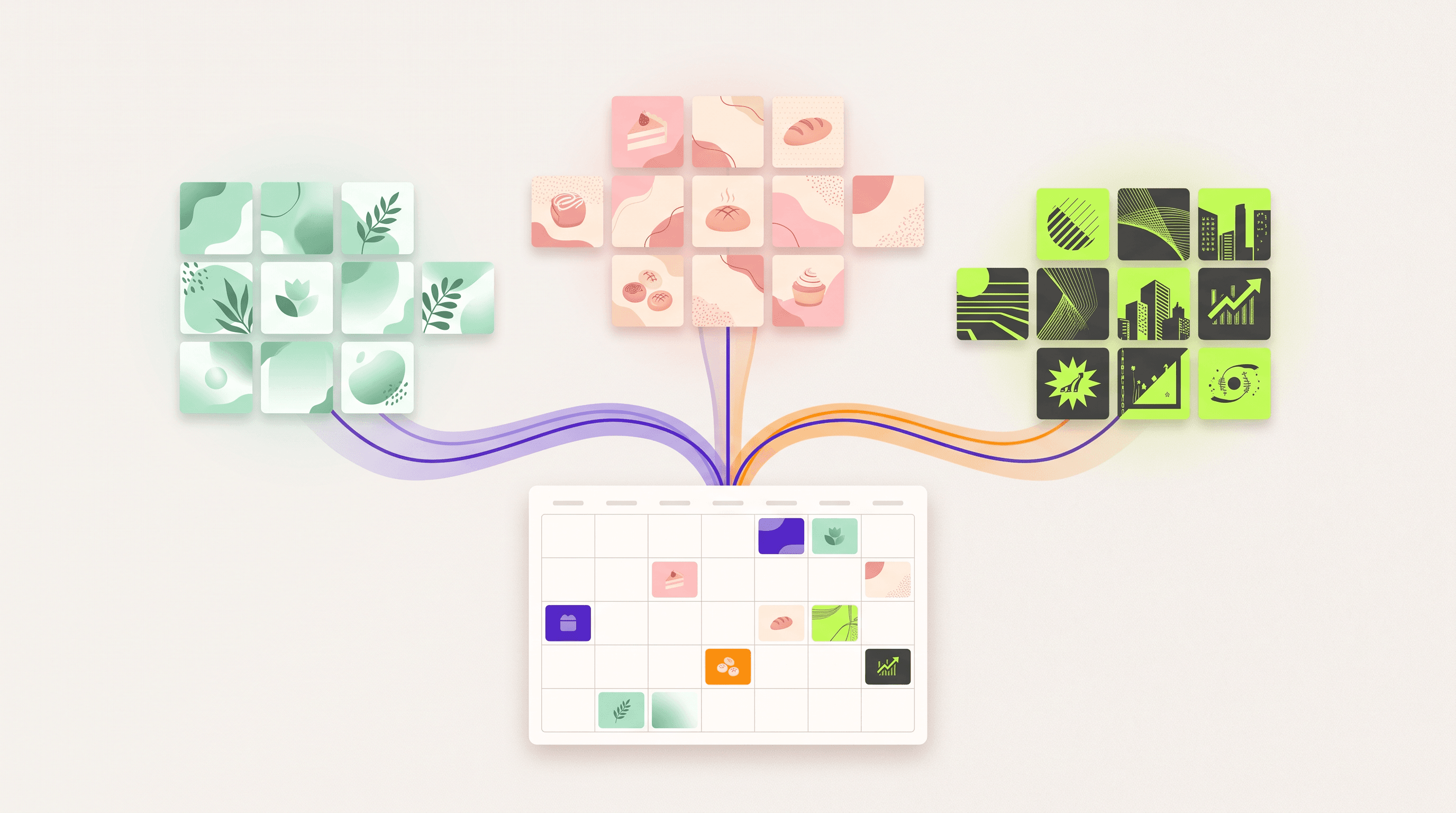
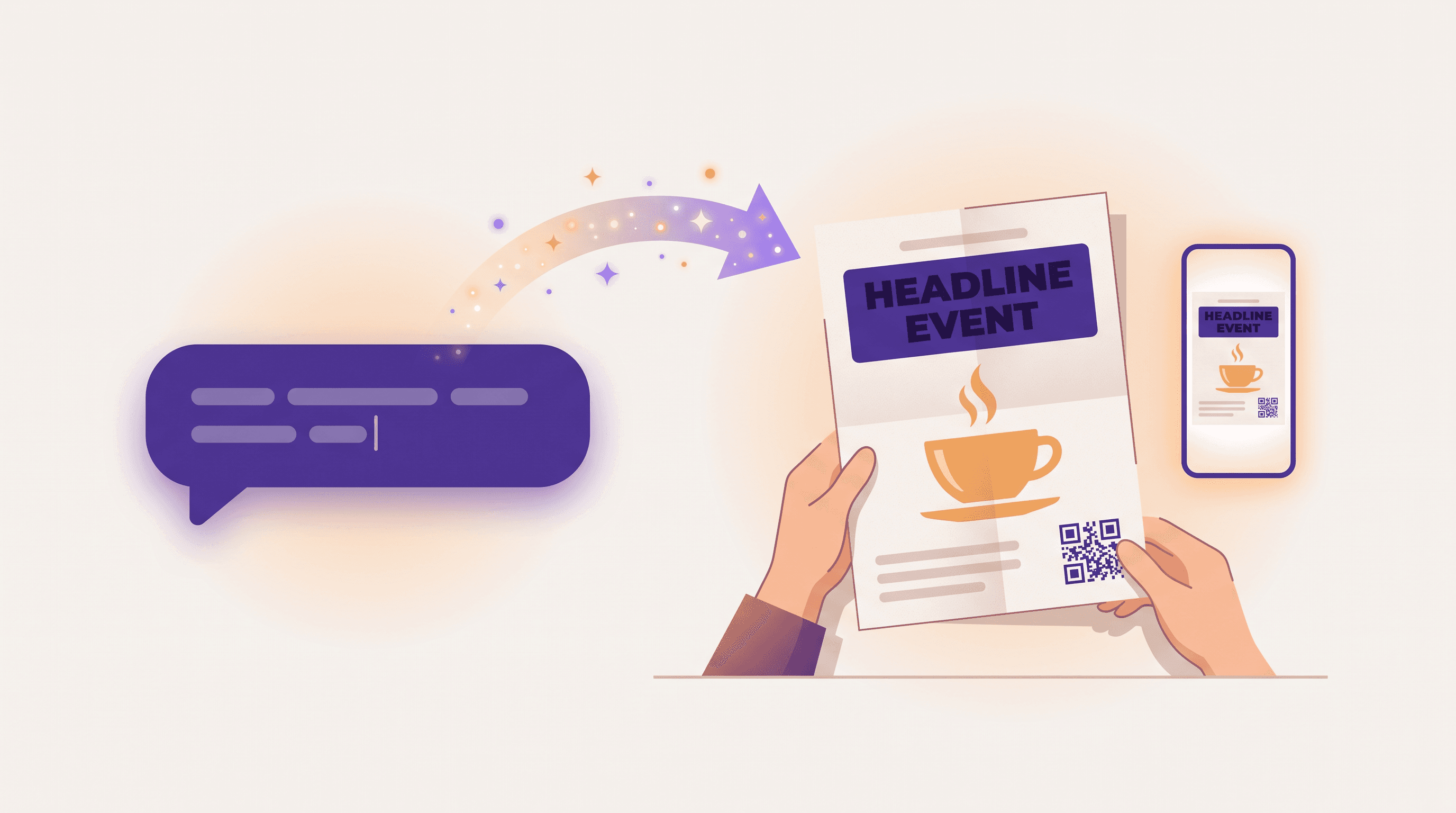
Use AI for the tedious parts that don't carry the "fake" signal: composition, hierarchy, sizing for each format, spacing, color harmony, carousel structure. Keep the photo real. Tools like Krumzi work this way: you describe the piece, it builds the layout around your own photos and brand kit, and every element stays editable so text is never baked into pixels. Brand Mind learns the identity once and applies it across pieces, which keeps a feed looking like one brand rather than a batch of prompts.
Practice restraint
Most AI-looking designs have too much: effects, glow, gradients, elements. Trim. One image, one headline, one call to action, lots of whitespace. The 2026 design trends roundup leads with "imperfect by design" for a reason: audiences have learned that perfection is the tell.
Disclose when required
Where the law or a platform requires a label, add it. Given the NIM findings, that might feel costly. But in the IAB report, over half of respondents said they want disclosure for fully AI-made ads, and undisclosed AI that gets spotted costs far more trust than a small label. Disclosure hurts least when the labeled content still looks like your brand.
Run your own creatives through the same 3-step check
Before anything ships, do a quick self-audit:
- Check provenance. Does the file carry credentials or a watermark a platform will read and label? Decide now whether you're fine with that.
- Reverse search the imagery. If a stock or generated scene turns up on dozens of other brands' pages, swap it.
- Scan for the nine signs. Then ask the harder question: does this look like us, or like a prompt?
If you keep fixing the same tell every week, the fix belongs in the system (brand kit, photo library), not the post. UGC-style content, covered in the complete guide to user-generated content, is another route to imagery that's obviously human.

Frequently Asked Questions
How can I check if an image is AI generated for free?
Upload it and ask "Was this created by Google AI?", which checks SynthID and Content Credentials in the Gemini app, with about 10 checks per content type per day. Then drag the file into the Content Credentials inspector and run a Google Lens reverse search. Those three steps cover most cases without paying for a detector.
Can ChatGPT or Gemini tell if an image is AI generated?
Partly. Gemini can confirm whether an image was made or edited by a Google model via SynthID, and OpenAI's Verify tool can confirm whether an image came from ChatGPT, the API or Codex. Neither can reliably identify images from other generators, so a "no" only rules out that company's models.
What does an AI generated picture look like?
The most common signs are wrong hands and teeth, text that almost forms words, mismatched reflections and shadows, poreless skin, repeating background elements that break, and lighting that is too smooth and golden for the scene. Newer models fix many of these, so look for two or three together.
Are AI image detectors accurate?
They're inconsistent. Detectors learn the fingerprints of specific models and lose accuracy when a new generator ships or an image is compressed or screenshotted, and they often flag heavily retouched real photography as AI. Humans aren't much better: a 2025 Microsoft study of 12,500 people found 62% accuracy. Use provenance data and reverse search alongside any score.
Do I have to label AI images in marketing under the EU AI Act?
In most cases, yes, if the content is AI-generated and could pass as real. Article 50 labeling duties for deepfakes apply from 2 August 2026, and machine-readable marking has a grace period until 2 December 2026 for existing systems. The "evidently creative" exemption is read strictly, so advertising rarely qualifies. This is not legal advice; check with a lawyer.
A month of posts, designed before your coffee cools
Describe the post. Krumzi designs it from scratch, on your brand, fully editable.
Start free trial3-day free trial, card needed. No charge until day 4. Cancel online anytime.