On this page
You asked Claude for an Instagram post. You got back a wall of HTML. Or a polite explanation of what the image would look like if it could make one. Or a chart, when you wanted a photo.
If that's been your experience, you're not doing anything wrong. Claude's image behaviour is genuinely confusing, partly because the honest answer changed during 2026 and partly because most of what's written about it is either a year out of date or trying to sell you something.
So here's the straight version: what Claude does when you ask for an image, why it works that way, and the setup that gets you a finished, editable design out of a Claude conversation in about two minutes.
Can Claude Generate Images?
No. Claude has no built-in text-to-image model, so it cannot produce a photo or an illustration from a prompt the way a dedicated image generator does. It can draw with code, read and analyse images you upload, and it can generate real images if you connect it to an external design tool through a connector.
That last clause is the part almost nobody explains properly, and it's where the useful answer lives.
What Claude Actually Does When You Ask for an Image
Ask Claude for a visual and you'll get one of three things back, depending on what you asked for.
It draws with code. Claude is genuinely good at producing SVG, HTML, and CSS, which means diagrams, flowcharts, simple illustrations, data visualisations, and UI layouts are well within reach. These render as artifacts you can look at right there in the conversation. For a system diagram or an org chart, this is often better than an image generator would manage, because the output is precise rather than approximate.
It reads images you give it. Upload a screenshot, a chart, a photo of a whiteboard, or a competitor's ad, and Claude will interpret it, pull the text out, critique the layout, or use it as context for whatever you're working on. Vision is a first-class capability. Generation is not.
It writes prompts for other tools. Ask for a photorealistic product shot and Claude will often offer to write you a detailed prompt to paste into an image generator instead. Useful, but it's a handoff, not a result.
What you will not get is a rendered photograph, a piece of original artwork, or a finished marketing graphic. Anthropic's own help centre is unambiguous on this: Claude doesn't generate photos or illustrations the way image-generation tools do.

Why Claude Doesn't Have a Built-In Image Generator
There's no official statement explaining the decision, so treat anything you read as informed speculation. The reasoning people generally land on is a mix of three things.
Image generation is expensive to run at scale, and it attracts a very different usage pattern than text. It also carries a distinct set of safety and rights problems, from likeness and copyright questions to content moderation at volume. And Anthropic has consistently pointed its product roadmap at reasoning, coding, and agentic work rather than at creative media generation.
The practical consequence is that Anthropic built the plumbing instead. Rather than shipping its own image model, it shipped the Model Context Protocol, an open standard that lets Claude connect to outside tools and use them. Which turns out to be the more interesting answer for anyone who actually needs a design.
How to Make Claude Generate Images Anyway
The workaround isn't a prompt trick. It's a connector.
What a connector is, in one paragraph
A connector is a permission you grant that lets Claude use one of your apps directly. Think of it as creating a limited staff login inside a tool you already pay for and handing that login to an assistant, where you decide exactly which buttons it's allowed to press. Once it's connected, you ask for things in plain English and Claude does the work inside that app. Anthropic documents the general flow in its guide to using connectors to extend Claude's capabilities.
The protocol underneath is MCP, and it's an open standard, which means any tool can build support for it. Design tools included.
Setting one up
Using Krumzi as the example, since it ships a hosted MCP server built for exactly this:
- In Claude, open Settings, then Connectors.
- Click Add custom connector.
- Name it Krumzi and paste the server URL:
https://www.krumzi.com/api/mcp - Click Connect, then approve the request on the Krumzi side.
That's it. No API key, no config file, no terminal. The connection uses OAuth, so Claude never sees your password, and you can revoke it in one click from your account settings whenever you want. Connectors are available on Claude's Pro, Max, Team, and Enterprise plans.

What to ask for once it's connected
Now the conversation changes shape. Instead of Claude explaining what a design would look like, you can say:
Make me an Instagram post announcing our Black Friday sale, 40% off everything, in our brand colours. Turn this blog post into a five-slide carousel for LinkedIn. Design a two-page A4 menu for a coffee shop, print-ready.
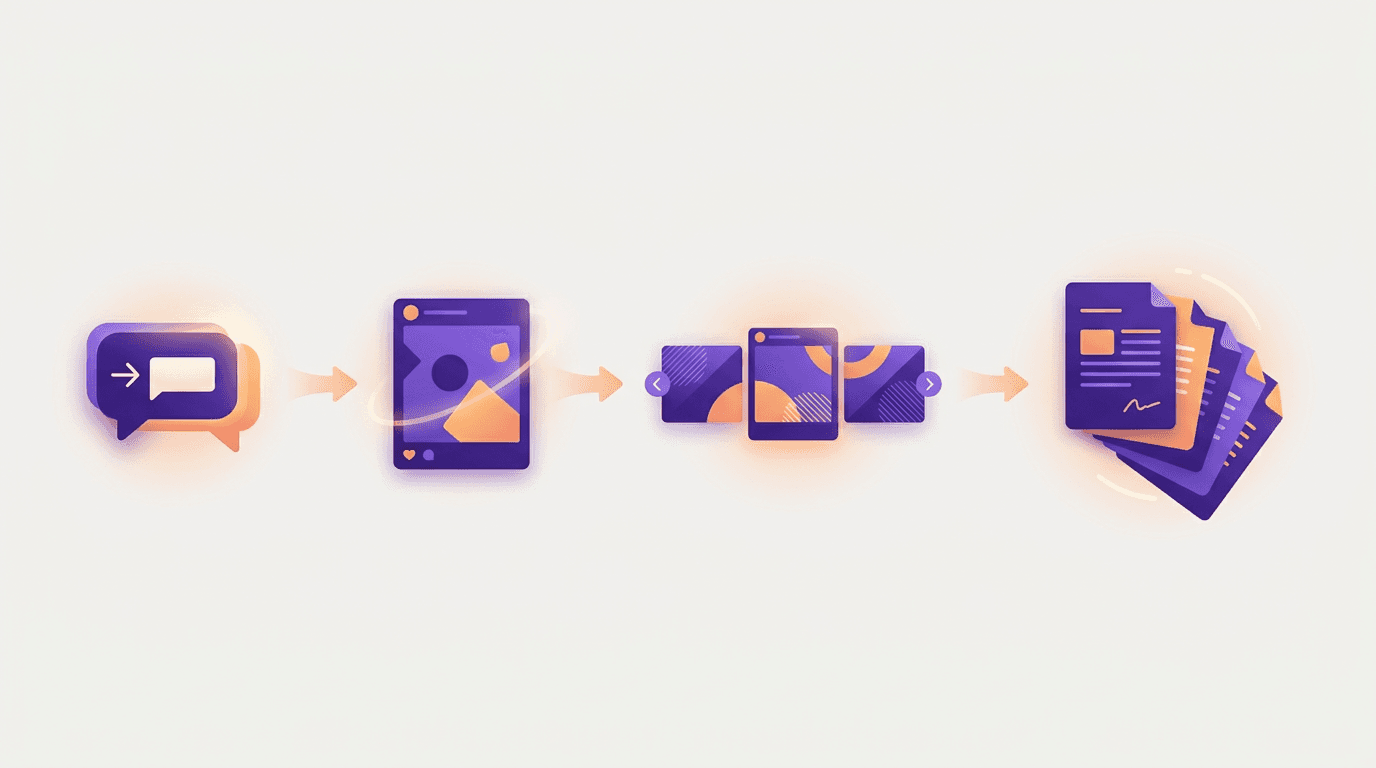
And a minute or two later the finished design is sitting in your library, on brand, with every element still editable.
One honest limit worth knowing before you start: design connectors like this cover static work. Single images, multi-slide carousels, and multi-page print documents all work. Video does not go through this route, so if you need a motion piece you'll be building that in the app itself.
The same connection works from the terminal, if that's where you spend your day. We covered that setup separately in Claude Code images.
What You Get Back Is a Design, Not a Picture
This is the distinction that makes the connector route worth the two minutes, and it's the thing that separates it from bolting a generic image model onto Claude.
A standard AI image generator returns a flat file. Every element is baked into the pixels. If the headline says "40% off" and the discount changes to 30%, you regenerate the whole thing and hope the background comes back similar. If the text renders with a garbled letter, which happens constantly, your only option is another roll of the dice.
A design tool returns layers. The headline is real editable text in a real font. The background is a swappable layer. The logo is positioned, not painted on. Change the number, move the CTA, drop in a different photo, and everything else stays exactly where it was. We've written more about why baked-in text breaks at scale if you want the longer version.
That difference is the whole reason agentic AI design exists as a category separate from image generation. One makes pictures. The other makes work you can actually ship and then revise.
Claude vs ChatGPT vs Gemini for Images
If you're choosing between assistants specifically for visual work, here's the honest state of play in 2026.
| Assistant | Built-in image generation | Best at | Weakest at |
|---|---|---|---|
| Claude | No | Reasoning about visuals, code-drawn diagrams, connecting to real design tools | Producing a photo or illustration on its own |
| ChatGPT | Yes | Quick one-off images inside a conversation | Editable layered output, precise brand control |
| Gemini | Yes | Photorealism and image editing quality | Multi-element layouts, typography you can revise |
The pattern worth noticing: the assistants that do generate images natively are good at making a picture and bad at making a design. Claude approaches it from the other direction, which is why the connector route ends up producing more usable marketing output than the assistants with generation built in.
If what you need is one striking hero image, use a generator. If what you need is a post, a carousel, an ad, or a menu that you'll revise three times before it ships, you want a design tool on the other end of the conversation. Our guide to branded AI images covers how to keep that output consistent across a whole feed.
Frequently Asked Questions
Why can't Claude generate images?
Claude has no text-to-image model built into it. Anthropic has not published a reason, but the widely held view is a combination of cost at scale, the safety and rights complexity that comes with generated imagery, and a product focus on reasoning and agentic work instead. Anthropic's answer was to build the Model Context Protocol so Claude can use outside image and design tools rather than shipping its own.
Will Claude eventually generate images?
There's no announced plan for native image generation, and nothing in Anthropic's public roadmap points that way. Given the investment in connectors and MCP, the more likely direction is that Claude keeps getting better at using external tools rather than building a generator of its own. Treat any claim that it's coming soon as speculation.
Is Claude bad at generating images?
It's not bad at it, it simply doesn't do it. That distinction matters when you're comparing tools. Claude is very good at the visual work adjacent to generation: reading and critiquing images, drawing diagrams and charts in code, writing strong prompts, and driving a connected design tool. Judging it as a weak image generator is judging it at something it never attempts.
Does Claude generate free images?
Since Claude has no built-in generator, there's no free image generation inside Claude itself. Connecting an external design tool means you're on that tool's pricing, and custom connectors require a paid Claude plan. Anything advertising free Claude image generation is really advertising a third-party tool with its own free tier.
Which is better for image generation, Claude or ChatGPT?
For generating a single image inside a chat, ChatGPT wins outright, because Claude doesn't do it at all. For producing a usable marketing asset, the comparison flips: ChatGPT gives you a flat file where the text is part of the pixels, while Claude connected to a design tool gives you a layered design where the headline is real text you can edit. Pick based on whether you need a picture or a deliverable.
The Takeaway
Claude can't generate images, and it probably never will. That's a real limitation if you wanted a photo in a chat window.
But the question most people are actually asking is not "can this model render pixels." It's "can I get a finished graphic out of a conversation with Claude." That answer is yes, it takes about two minutes to set up, and what comes back is more useful than what a built-in generator would have given you, because it arrives as an editable design instead of a flat picture.
If you want to try it, the Krumzi MCP setup walks through the connection, and you can start with something small like a carousel to see what the output actually looks like before you commit to a workflow.
A month of posts, designed before your coffee cools
Describe the post. Krumzi designs it from scratch, on your brand, fully editable.
Start free trial3-day free trial, card needed. No charge until day 4. Cancel online anytime.